
Announcements
A closer look at new features and major product releases.
 AnnouncementImprovements
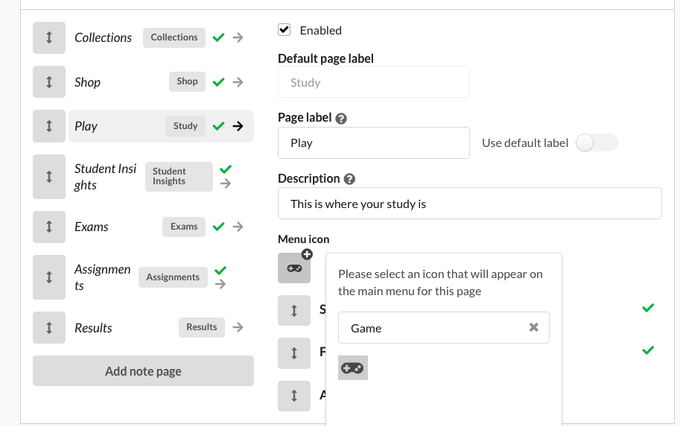
Custom menu icons & custom note pages 🚀
From portal settings > user access > user type you can now customise a users: Add custom page names Add custom page descriptions Add a custom note page…
Read announcement AnnouncementImprovements
New Zapier Trigger: User Updated 🔫
You can now have Zapier workflow triggered from a user update: Email updated Name updated Attributes updated This is helpful for workflows where users…
Read announcement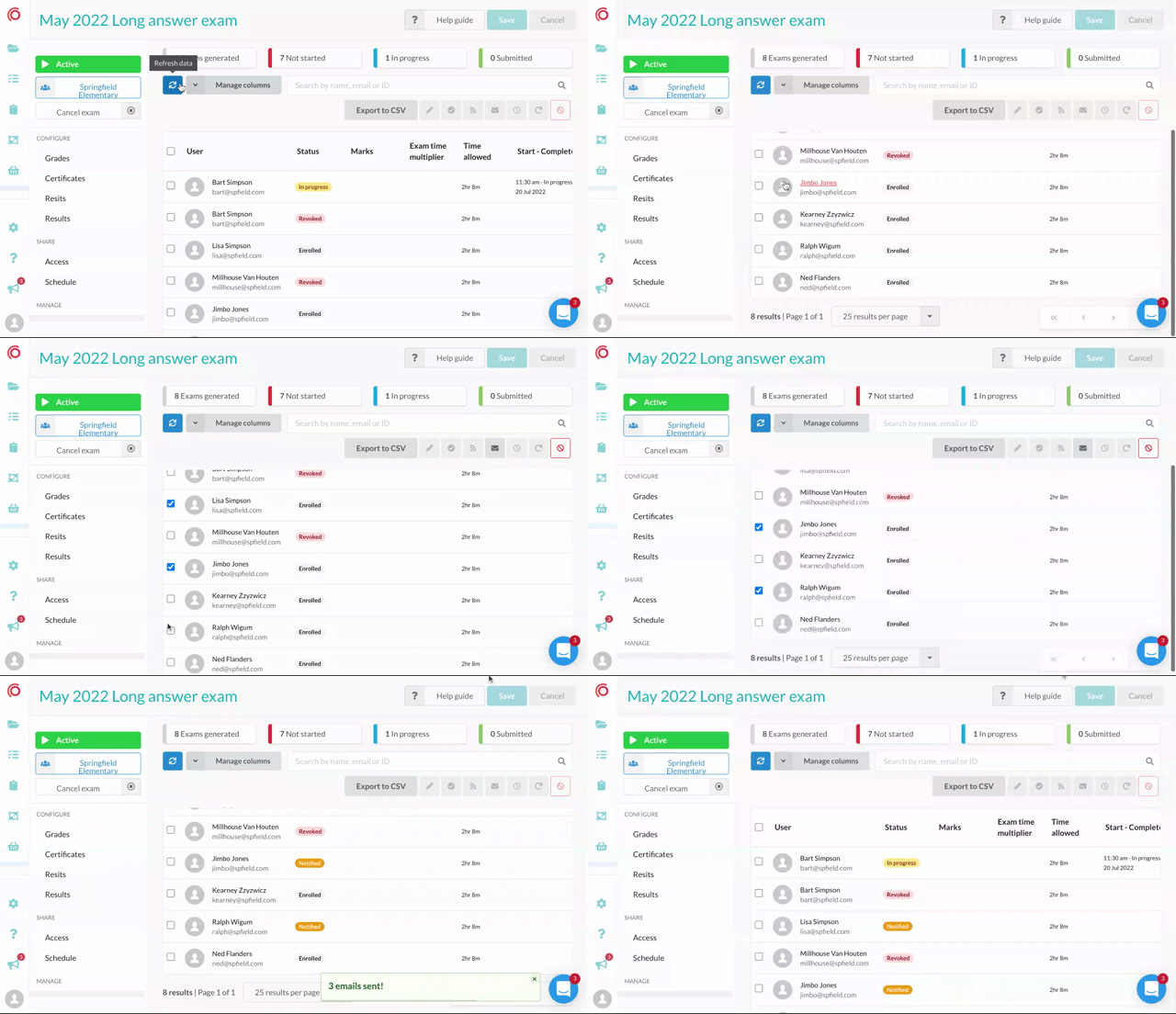 AnnouncementExams
Better navigation on exam user tables 🎸
We've fixed the position of the user exam table summary, search and action buttons. If you have a long list of users in an exam you can scroll, select and…
Read announcement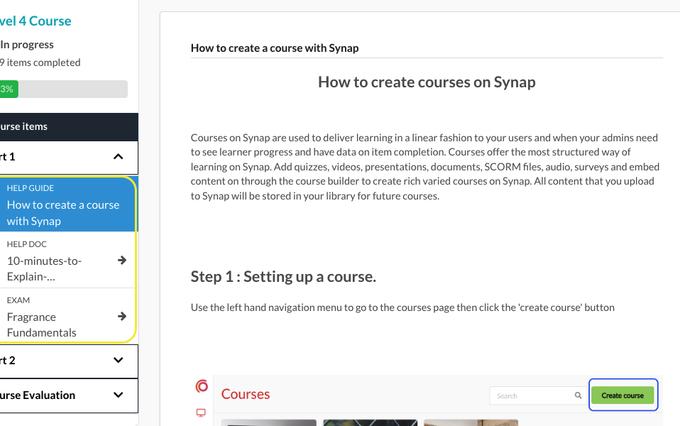 AnnouncementImprovements
Custom Labels on assignment items 🏷
You can now add custom labels to course/assignment items! So if you have have a note that is actually a help guide you can rename it accordingly for your…
Read announcement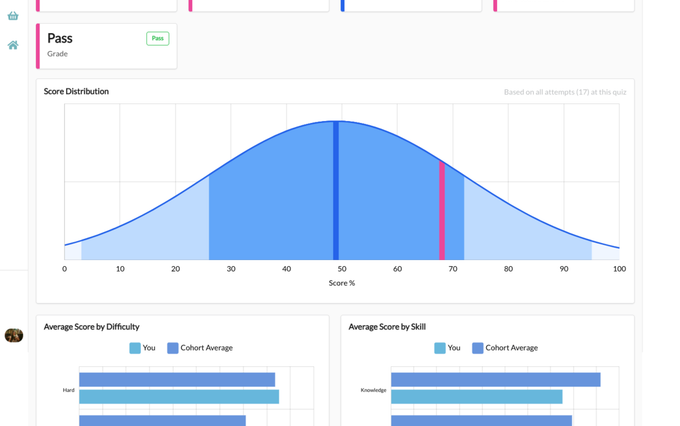 AnnouncementLearner Analytics
Important updates to Results and Insights pages 📊
Over the past year we have completely changed the way results and information about progress is displayed on platform. The new results and insights pages…
Read announcement AnnouncementImprovements
More language options 🌎
We've been working on internationalisation of the portals The first language that has been added to platform is Italian 🇮🇹 go to Settings > Languages to…
Read announcement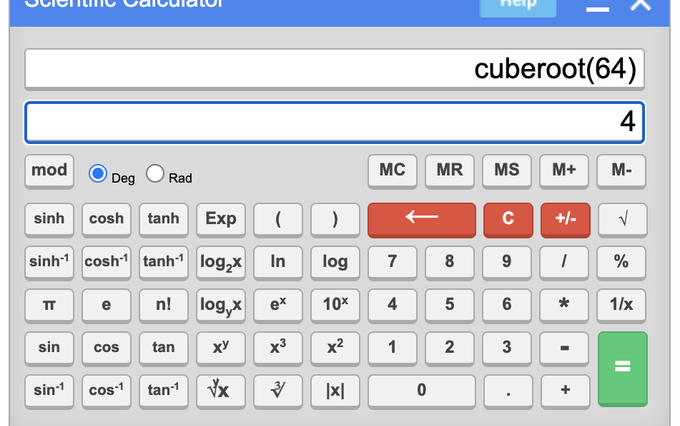 AnnouncementImprovements
A new scientific calculator option 🧮
You can now enable a scientific calculator on exams and quizzes! You'll find the option in Settings > Experience Click here to see our help docs for more…
Read announcement AnnouncementExams
Attempts tables & Exports 🚀
This is one of the biggest changes to Synap in the last 12 months, You can now export attempt results and data directly from platform! If you go to your…
Read announcement AnnouncementImprovements
Disabling Copying and Pasting
You can now restrict students ability to copy and paste when taking a quiz or exam. To disable these features in a quiz, go to the Experience sub menu…
Read announcement AnnouncementImprovements
Clone a Course
You can now clone a Course! Go to the Course you want to clone and click on the 'Course Details' menu item Below the Description box you will see the…
Read announcement
Looking for an older product article? Browse the archive.