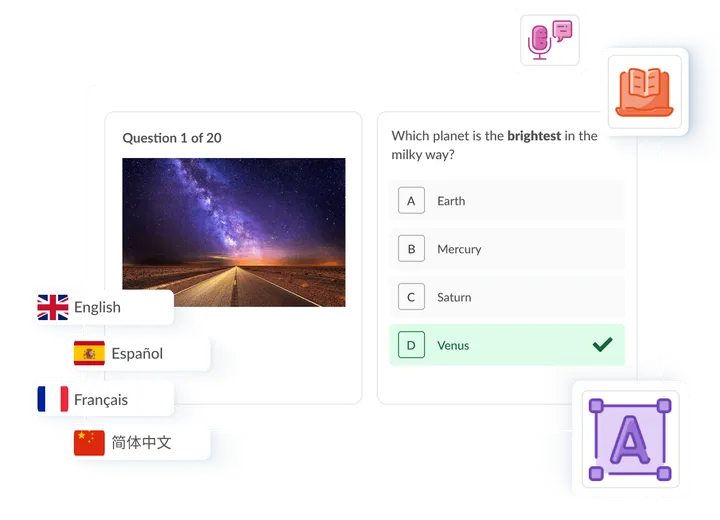



Accessible online exams that meet WCAG 2.1 AA

Give every candidate a fair exam. Synap combines extra-time arrangements, adjustable fonts and colours, and WCAG 2.1 AA conformance so you can meet your accessibility obligations with confidence.

  • WCAG 2.1 AA
  • Access arrangements
  • Fonts & colours
Accessible exam interface on Synap.

Trusted by professional organisations, awarding bodies, and universities worldwide

Accessibility features

Let candidates tailor the exam to their needs

The adjustments candidates rely on most, built directly into the exam experience.

Extra time

Give candidates the extra time they need

Give a specific candidate extra time with a time multiplier that applies to every attempt you generate for them, so those with access arrangements get the right allowance automatically.

  • Set a per-user time multiplier for candidates who need it
  • Applies automatically to each attempt you generate for that user
  • Add extra time in bulk when generating accounts from a CSV
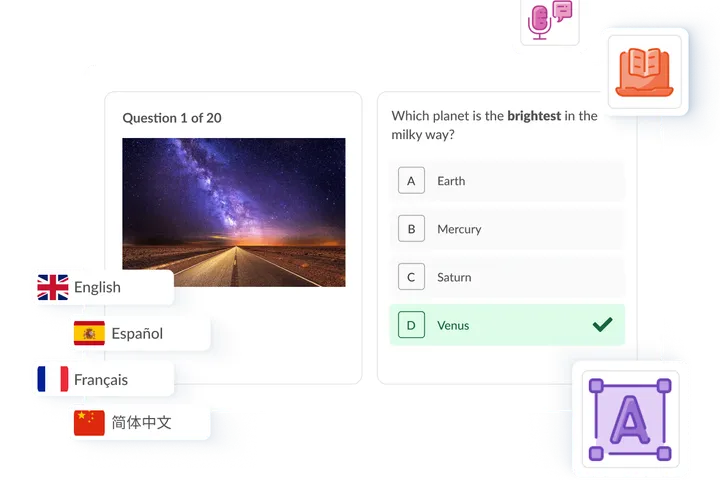
Accessible exam interface on Synap.

Colour themes

Colour themes for comfortable reading

Candidates can switch between light, sepia, and dark colour themes to reduce glare and visual stress and read in whatever is most comfortable for them.

  • Light, sepia, and dark themes to suit different needs
  • Reduces glare and visual stress during long exams
  • Changes apply instantly, with no page reload
Accessible exam interface on Synap.

Fonts & sizing

Adjustable font size and dyslexia-friendly typefaces

Candidates can resize text and switch between a selection of accessibility-friendly fonts, including OpenDyslexic, to read comfortably. Every size is shown at a glance rather than hidden in a dropdown.

  • A selection of accessibility-friendly fonts, including OpenDyslexic
  • See every font size at once, not one at a time
  • Adjust before or during the exam
Accessible exam interface on Synap.

Inclusive by design

Accessibility built into every exam

Beyond the headline adjustments, the candidate experience is designed to work for a wide range of needs.

  • WCAG 2.1 AA conformance

    The platform is built and tested against WCAG 2.1 AA, the standard most procurement teams require.

  • Screen reader compatible

    The candidate interface uses semantic, ARIA-labelled markup so candidates can use their screen reader in standard (non-lockdown) delivery.

  • Keyboard navigation

    Candidates can start, move through, and submit an exam using keyboard shortcuts alone, without relying on a mouse.

  • High contrast by default

    Exams ship with a default 10.2:1 text-to-background contrast ratio, exceeding the WCAG AAA threshold of 7:1.

  • Zoom into images & hotspots

    Candidates can zoom into individual images and hotspots to see detail clearly, rather than magnifying the whole page.

  • More highlighting colours

    Highlight key passages in a choice of colours, not just yellow, so annotations stay visible for every candidate.

Accessibility & procurement

Completing an accessibility or procurement review?

Book a call and we will walk your team through how Synap meets WCAG 2.1 AA and supports the access arrangements your candidates rely on, and share the documentation you need.

Accessibility at a glance

  • WCAG 2.1 AA

    Built and tested to standard

  • 10.2:1

    Default contrast ratio (AAA is 7:1)

  • 20+

    Portal languages

  • 4

    Major browsers supported

Inclusive environment

Creating an inclusive environment

Accessibility is more than the exam interface, it is making sure every candidate can take part, wherever they are.

  • Mobile-friendly

    Synap works seamlessly across mobile and tablet devices, keeping exams accessible even for candidates without a laptop.

  • 20+ languages

    Candidates can set the portal to the language they are most comfortable with, from a choice of more than 20.

  • Multi-lingual content support

    Upload exam content in any language to accommodate a global and diverse range of candidates.

  • Low bandwidth

    Synap runs reliably even in low-bandwidth areas, so candidates can sit exams regardless of connection constraints.

  • Offline mode

    Candidates can keep answering questions in offline mode and continue their exam even if their connection drops.

  • Low bandwidth proctoring

    Synoptic supports proctoring in low-bandwidth regions, giving admins dependable, uninterrupted monitoring.

FAQs

Accessibility questions, answered

Find quick answers or browse our academy .

Can't find your answer?

Interested in learning more about Synap?

Explore how Synap can help you deliver fair, inclusive exams at scale through a personalised demo.

Certified & independently rated

ISO 27001 Certified