
New question types
Six more question types for quizzes, exams and revision, including spreadsheets, image hotspots and video answers.
 Charlotte Gupta
Every portal now has six more question types, so you can assess a wider range of skills in your quizzes and exams.
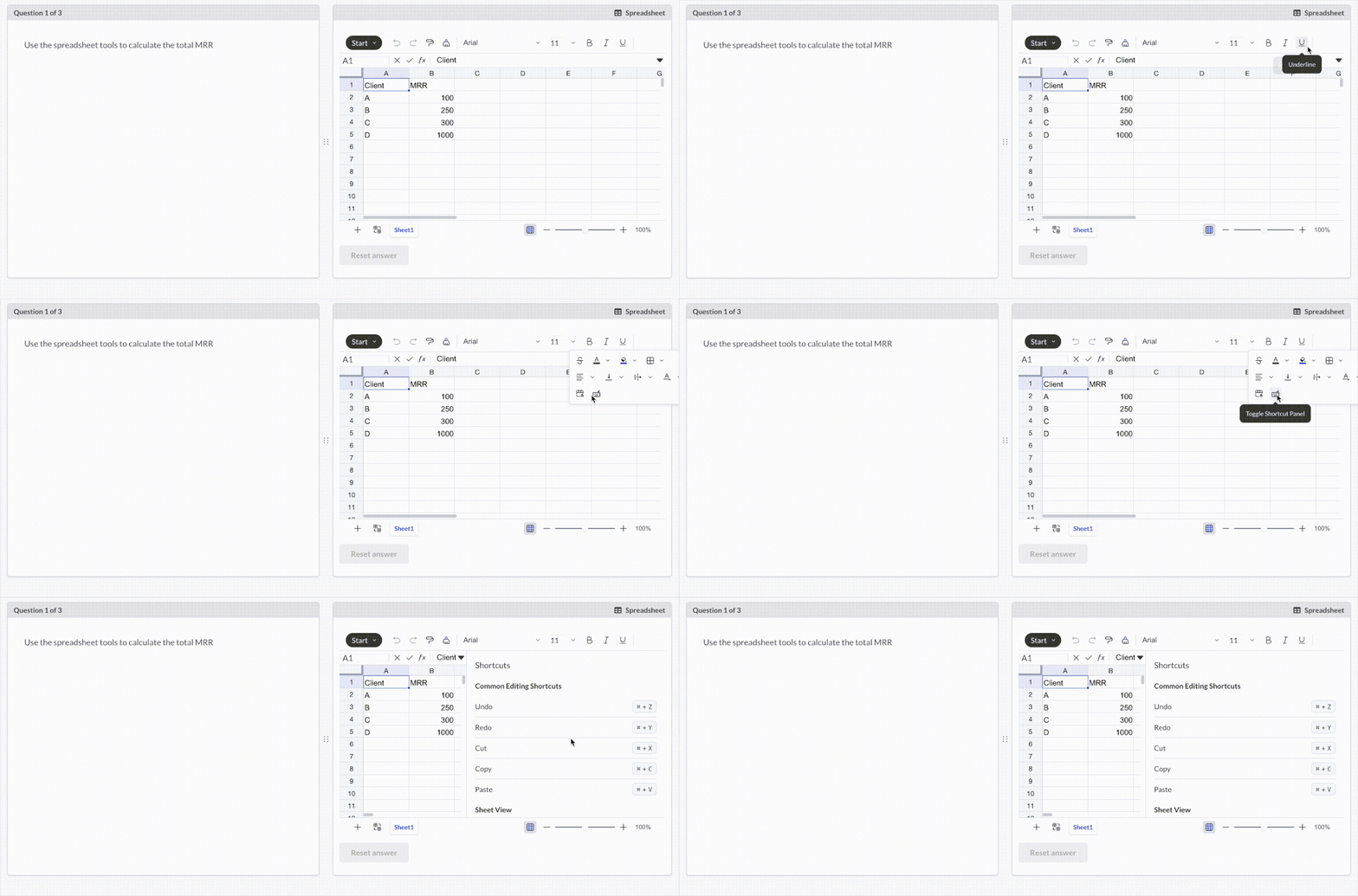
- Spreadsheet: Candidates work in a spreadsheet inside the question. It’s ideal for testing calculations and data skills in the format they’d actually use. (Manually marked)
- Image hotspot: Candidates click the correct area of an image, such as a diagram, map or photo. (Auto marked)
- Short answer: Candidates type a brief response, such as a key term, a definition or a short phrase. This tests recall without the prompts that multiple choice gives.
- Video recording: Candidates record a video answer. This works well for presentations, oral answers and practical demonstrations. (Manually marked)
- True or False: A quick two-option question for checking understanding. (Auto marked)
- Flashcard: Candidates reveal the answer on the back of the card, then mark themselves Correct, Incorrect or Unsure. Flashcards are designed for revision and practice rather than high-stakes exams. (Self-marked)
Explore the question types guide
Coming soon: Advanced question types
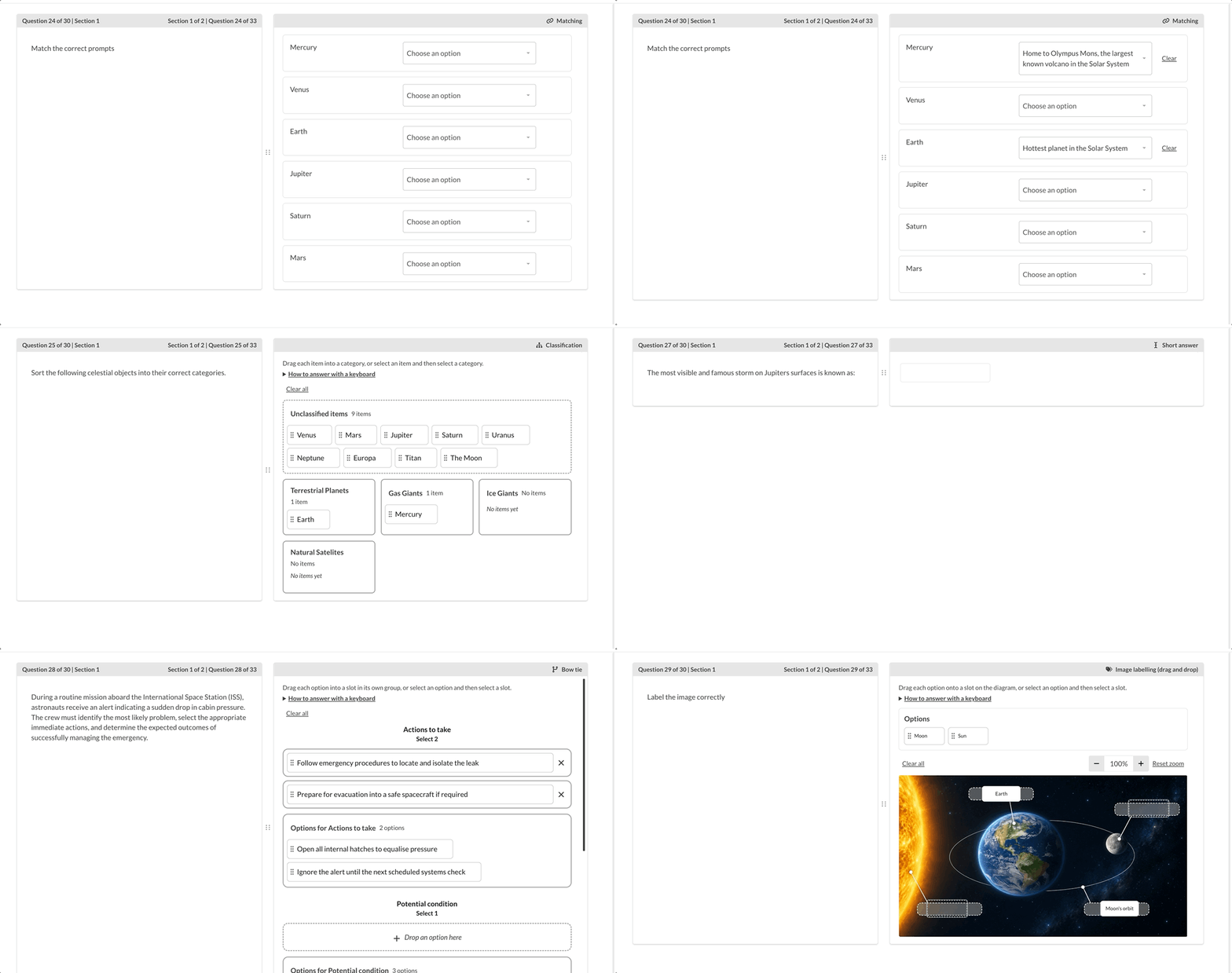
We are also working on an additional 12 new question types coming to platform soon including: Choice matrix, Numeric answer, Text selection, Matching, Classification, Bow tie, Image labelling, Drawing, Coding and Likert. Together they open up scenario-based clinical judgement, interactive image tasks, coding assessments and survey-style feedback. For a preview, see the advanced question types guide. If you’d like early access, let us know on support!
Preview the advanced question types guide
Originally published on Synap’s changelog.