
Question-types
🔢 Display available marks per question for students
You can now choose to display the number of available marks for each question in quizzes or exams. This option can be set either at the quiz experience…
 Charlotte Gupta
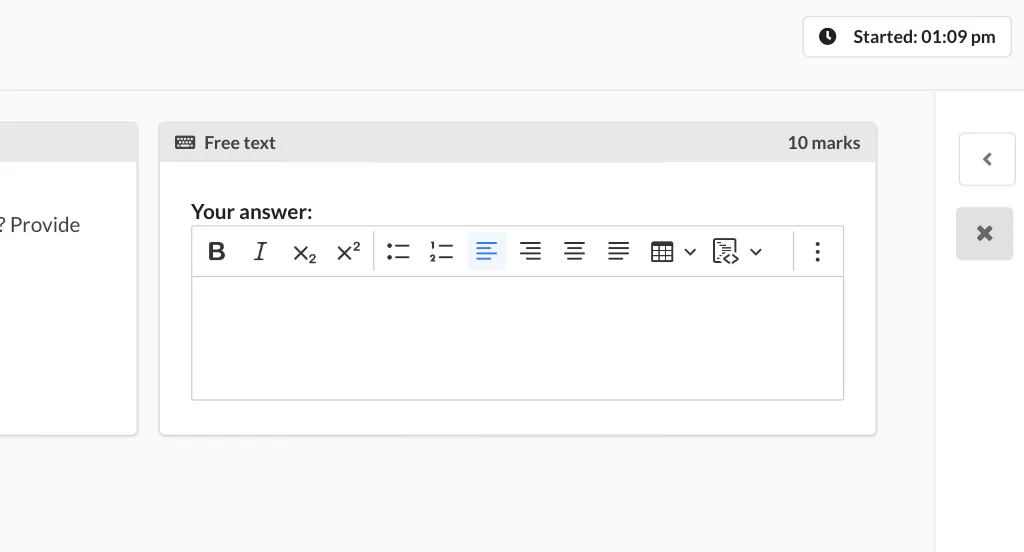
You can now choose to display the number of available marks for each question in quizzes or exams. This option can be set either at the quiz experience level or in the exam settings. By enabling this feature, students can easily keep track of the total number of marks available for each question and allocate their time more effectively during the assessment.
Originally published on Synap’s changelog.