
Improvements
New: Disable and Re-activate User Accounts
You can now disable user accounts from the Administration page, giving you greater control over access across your platform. What happens when an account…
 Charlotte Gupta
You can now disable user accounts from the Administration page, giving you greater control over access across your platform.
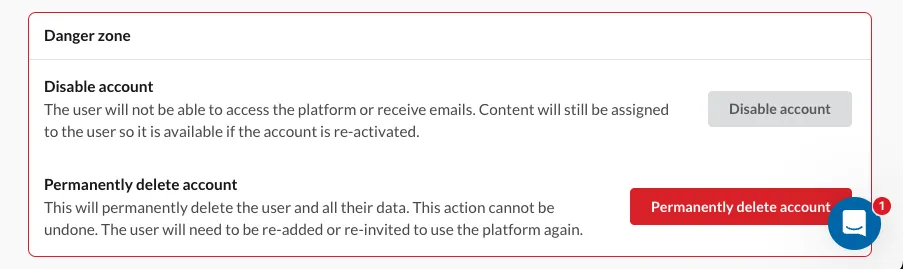
What happens when an account is disabled:
- The user can no longer sign in or access the platform
- If currently signed in, they’ll be signed out on their next action
- The user will no longer receive emails
- Their data and assigned content remain unchanged
- Disabled users are clearly marked across tables and the platform
- Any user type can be disabled
- Admins can disable other admins (excluding the portal owner)

Reactivation:
- Disabled accounts can be re-enabled at any time
- All data and progress will be restored as it was
Originally published on Synap’s changelog.