


Design captivating exams

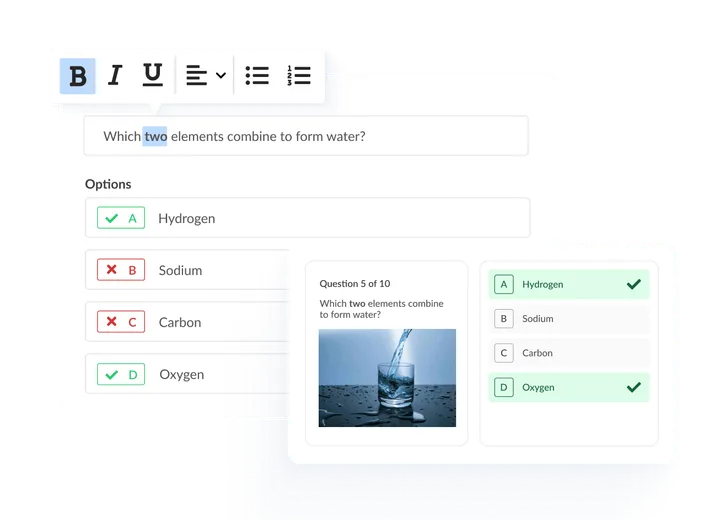
Easily build and customise exams with a range of question types, question bank functionality and formatting options.

Exam authoring interface with question types and formatting options.

Trusted by professional organisations, awarding bodies, and universities worldwide

A variety of question types for engaging exams

Build anything from quick quizzes to complex assessments using our full suite of question types.

MCQ: Single correct
MCQ: Multiple correct
Short answer
Long answer
Extended matching
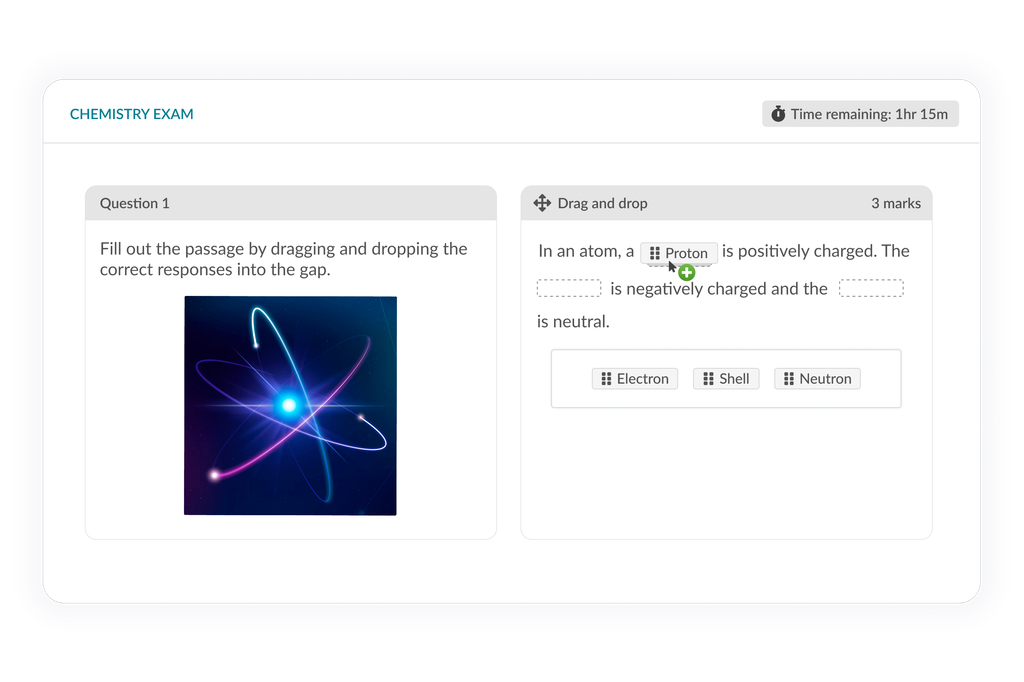
Drag and drop
Dropdown
Fill in the blank
Ranked order
Images
Case studies
Video
Audio
PDFs
File upload
Informational
Maths and chemistry
Audio recording
Video recording
Embed files
Coding
Spreadsheets
Webcam screenshot
Templates
Hotspot

Question management

Built in authoring tools to create questions

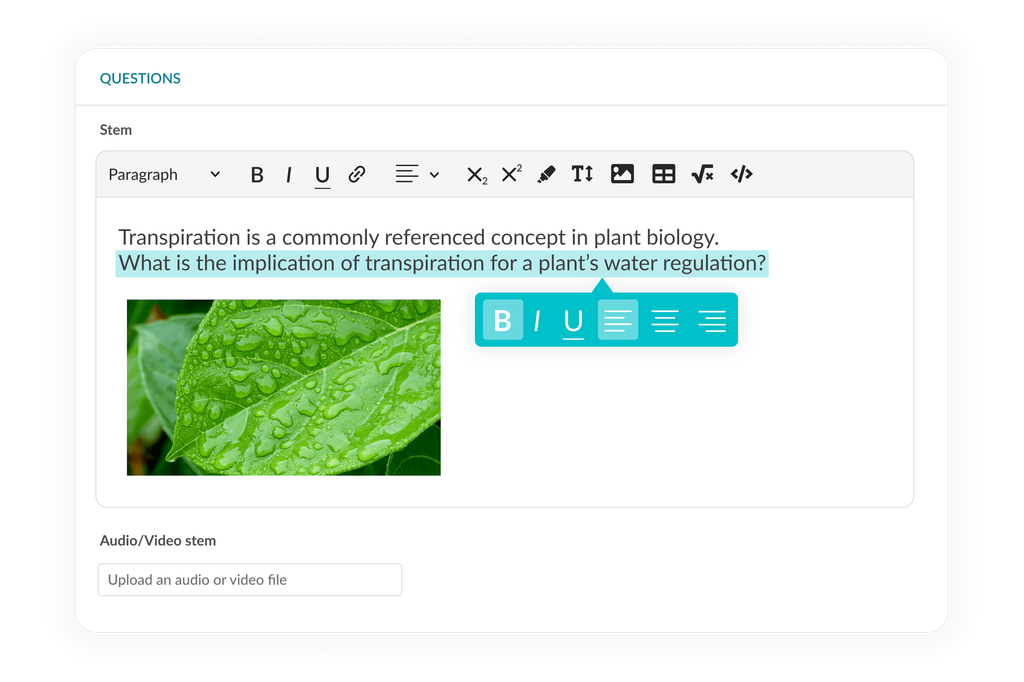
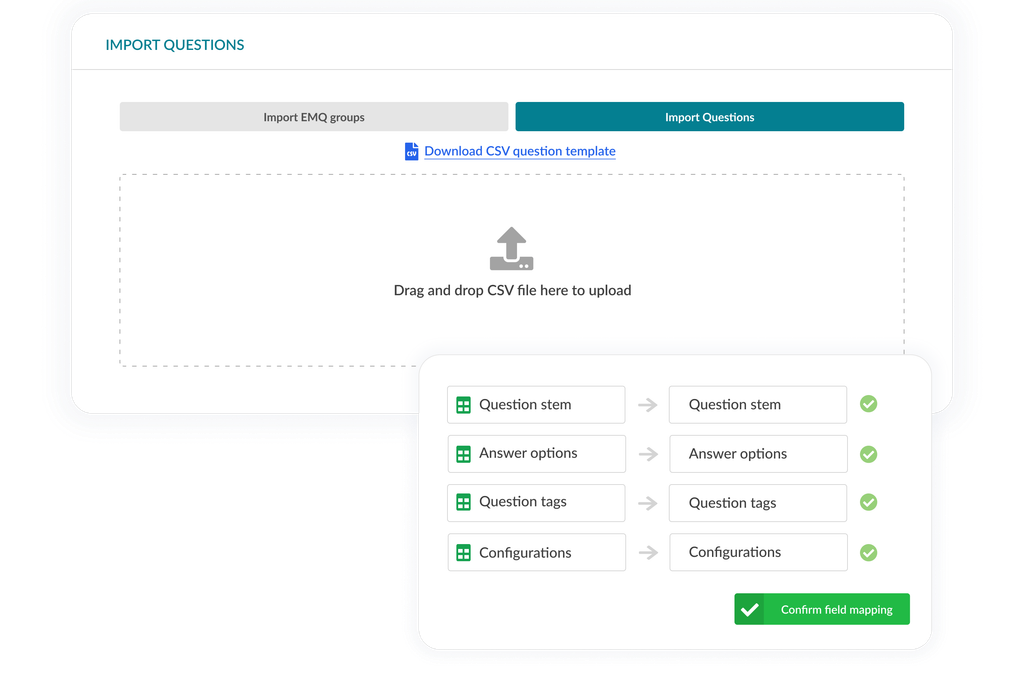
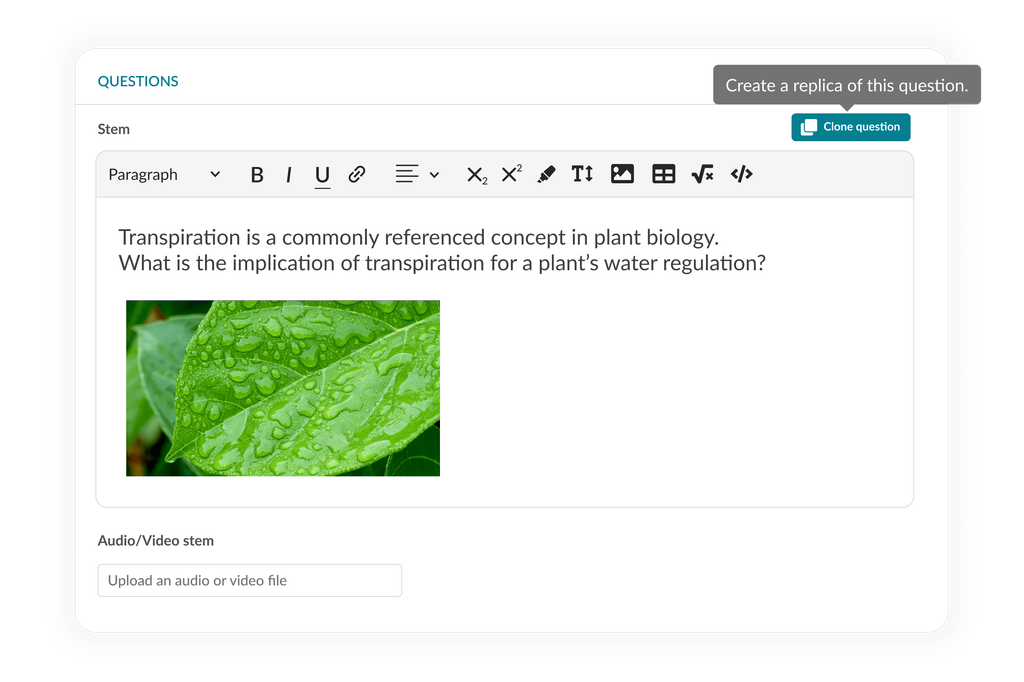
Easily create new questions or add existing questions into the question editor. Design questions with a range of formatting options including bold, bullet-points, tables, images, and equations.

Rich text question editor with formatting controls and an embedded plant biology image.

Get started

Build tailored exams with ease

Book a demo to start authoring your online exams

Exam types

Consistent assessments with static exams

Generate an exam from a single question bank to ensure that all users receive the exact same set of questions, creating consistent assessments across the board.

Biology exam with hotspot question and selection panel for choosing quiz source.

Exam experience

Create a realistic exam environment with time limits

Simulate the conditions of a real exam by setting time limits for an overall exam, per section, and instructions. With the ability to add extra time for specific candidates, you can tailor the exam experience based on an individual users’ needs.

Accounting exam showing spreadsheet question and section-by-section time indicators.

Exam tools

Additional exam tools

Customise tools for enriched student exam interaction.

  • Bookmark

    Candidates can mark questions that they find challenging or want to revisit later, to focus on the questions they feel confident in.

  • Calculator

    Choose an easily accessible static or scientific calculator for candidates to use during an exam.

  • Notepad

    Candidates can retrieve important details with a single click, thanks to the notepad tool where they can jot down thoughts and ideas.

  • Highlight

    Allow candidates to highlight key information in the question aiding in comprehension and retention of important concepts.

  • Strikethrough

    Offer candidates the ability to cross out incorrect options, allowing them to focus their attention on the remaining possibilities.

  • Flagging

    Candidates can add flags to questions and report issues to admins for quality improvement, empowering your team to enhance questions over time.

  • Word limit

    Enable a word count to show for candidates for free text answers with the option to add a limit.

  • Disable spell check

    Easily toggle spellcheck on/off which is beneficial for providing greater control for written exam questions.

  • Lab values

    Enter lab reference values for candidates to interpret and apply these values to real-world scenarios.

Interested in learning more about Synap?

Explore how Synap can help save you time and streamline your workload across assessments, exam delivery, and training programmes through a personalised demo.